Was Your Phone Cloned? The 2026 Ultimate Prevention Guide
Published: March 8, 2026 · Updated: March 9, 2026
Contents
Full Guide
How Phone Cloning Works
How to Tell if Your Phone Has Been Cloned - The Ultimate Prevention Guide in 2026
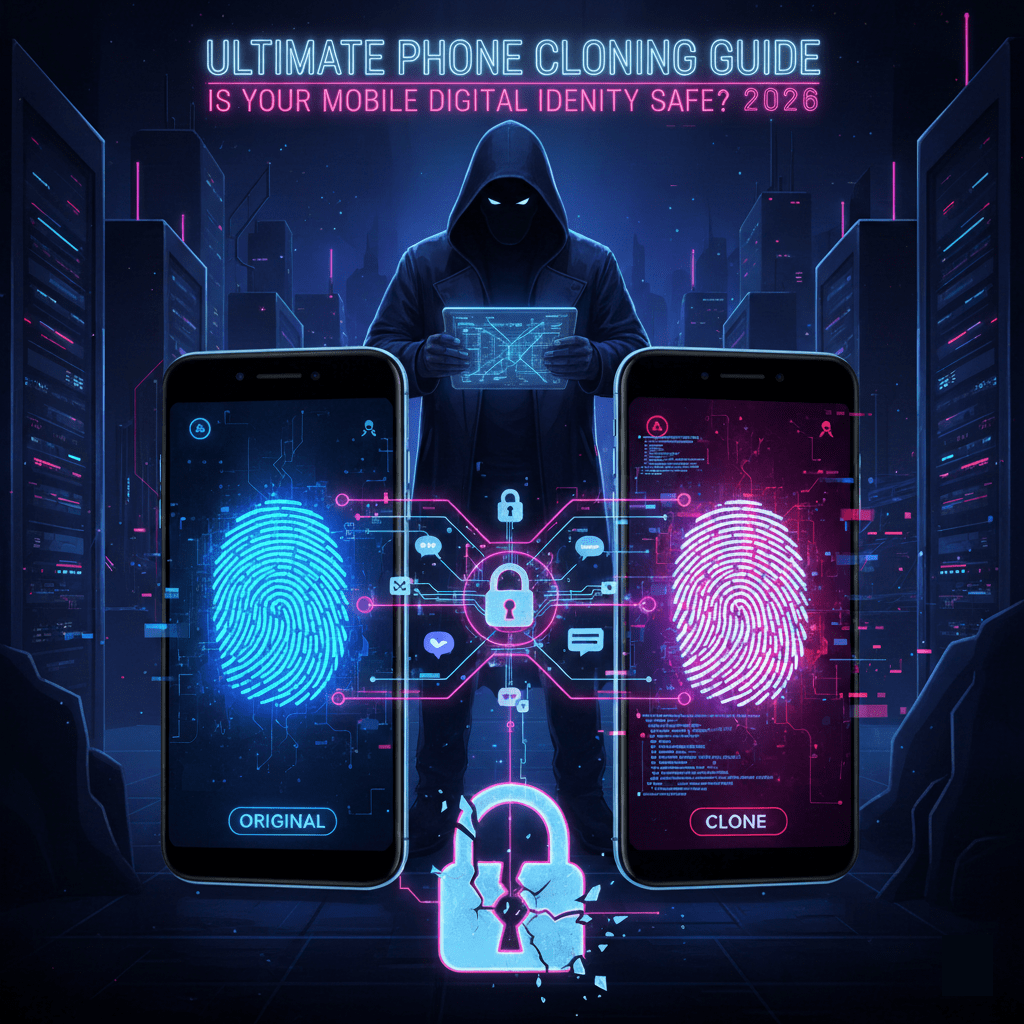
Phone cloning has evolved significantly from the early days of simple serial number copying. Today, hackers use three primary methods:
1. SIM Card Cloning
This involves capturing the unique identifiers of your SIM card. Hackers can use specialized hardware or "SIM swap" scams (convincing your carrier to move your number to a new card) to gain control of your cellular identity.
2. IMEI Duplication
Every phone has a unique IMEI (International Mobile Equipment Identity). By using software exploits or "Stingray" devices (IMSI catchers that mimic cell towers), attackers can spoof your IMEI on a secondary device to monitor network traffic.
3. Cloud-Based Mirroring
With AI and sophisticated cloud backups in 2026, many "clones" aren't physical. If a hacker gains access to your Apple ID or Google Account, they can restore your entire digital profile onto a new device, creating a virtual clone of your apps, messages, and photos. That's Chillingly scary!
Five Red Flags: How to Tell if Your Phone is Cloned
If you notice any of the following, your device identity may have been compromised:
- Unexpected "Restart" Requests: You receive a text asking you to reboot your phone. This is often a tactic to give the hacker a window to activate the clone.
- The "Silent" Phone: You suddenly stop receiving calls or texts, but your signal bars look normal.
- Mysterious Bill Charges: Unusual international calls or data spikes appear on your monthly statement.
- Incorrect "Find My" Location: When you check your device location, it shows up in a city or neighborhood you haven't visited.
- 2FA Codes for Accounts You Didn’t Access: Receiving random login codes via SMS is a major sign that someone is trying to enter your accounts using your cloned number.
How to Protect Yourself
Prevention is much easier than recovery. Follow these 2026 best practices to harden your mobile security:
| Action Item | Why it Matters |
| Set a SIM PIN | Prevents your SIM from being used in another device without a code. |
| Use Authenticator Apps | Move away from SMS-based 2FA; use apps like Google Authenticator or hardware keys. |
| Update OS Immediately | Security patches in iOS and Android frequently fix cloning vulnerabilities. |
| Request a "Port-Out" Lock | Call your carrier and ask for a lock that prevents your number from being moved without a secondary password. |
| Monitor "Linked Devices" | Regularly check your Google/Apple account settings for unrecognized devices. |
Is Phone Cloning Legal?
Generally, no. In most jurisdictions, cloning a phone without the owner's explicit consent is a federal crime. However, there are "legal" versions of cloning technology used for:
Data Migration: Using official tools like Samsung Smart Switch or Apple's Move to iOS.
Law Enforcement: Authorized investigations with a warrant.
Corporate Security: Managing company-owned devices.