Fake website warning signs
Published: March 26, 2026 · Updated: March 26, 2026
Contents
Full Guide
How to Spot a Fake Website Before It's Too Late
Fraudsters have become increasingly sophisticated in their ability to create convincing fake websites that closely mimic legitimate businesses, financial institutions, and government agencies. These cloned or fraudulent sites are designed with one purpose: to steal your money, personal data, or both. Knowing what to look for before you engage with a website could save you from serious financial and emotional harm.
Check the Web Address Carefully
The URL is often the first place a fake website reveals itself. Scammers frequently register domain names that are almost identical to legitimate ones, relying on you not to notice small differences. Common tactics include:
- Adding extra words or hyphens, such as secure-barclays-login.com instead of barclays.co.uk
- Swapping letters for similar-looking characters, such as replacing an 'o' with a zero
- Using different domain extensions, such as .net or .org instead of the official .co.uk or .com
- Adding words like 'secure', 'official', or 'verify' to appear more trustworthy
Always type web addresses directly into your browser rather than clicking links in emails or text messages, and double-check the full URL before entering any information.
Look for HTTPS — But Don't Stop There
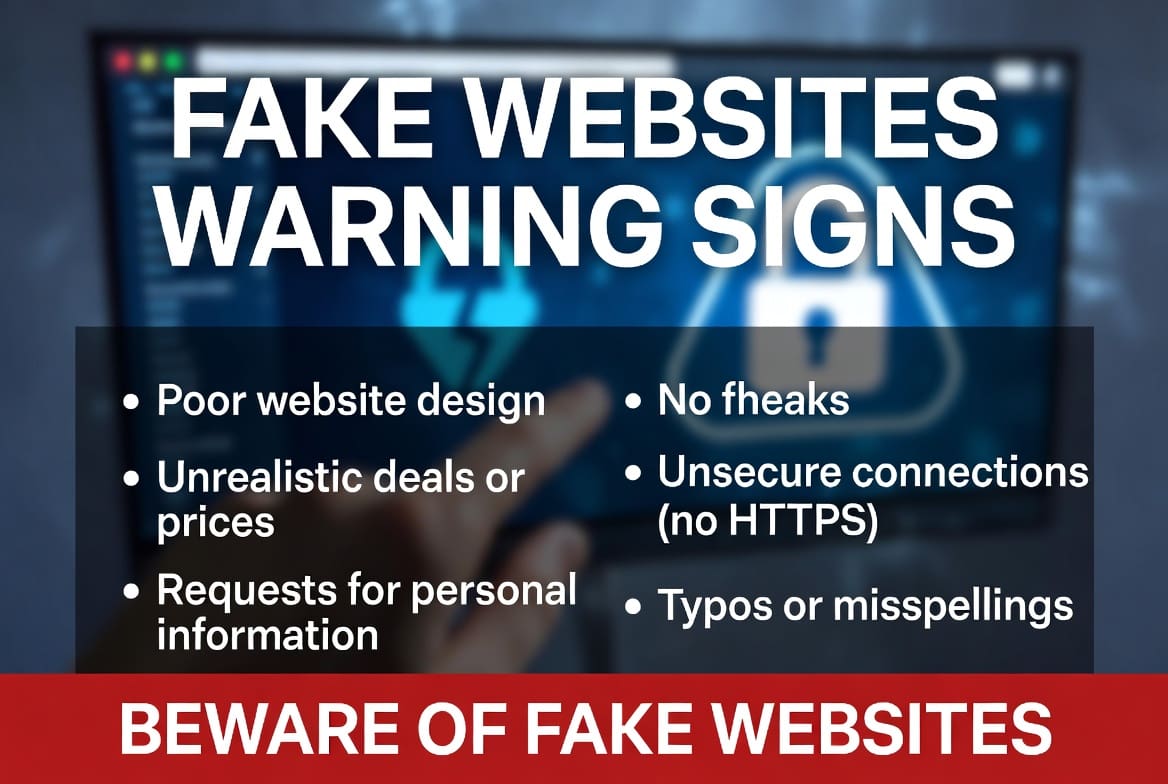
Many people have been told that a padlock symbol in the browser bar means a website is safe. This is dangerously misleading. While a valid HTTPS connection does encrypt data between you and the site, it does not mean the site itself is legitimate. Fraudsters routinely obtain SSL certificates for their fake websites, so a padlock alone is not proof of trustworthiness. Always verify the domain name regardless of whether HTTPS is present.
Poor Design and Unprofessional Content
Fake websites are often built quickly and cheaply. Look out for the following red flags in a site's appearance and content:
- Spelling mistakes, grammatical errors, or awkward phrasing throughout the site
- Low-resolution images or a logo that appears distorted or blurry
- Broken links or pages that lead nowhere
- A generic or inconsistent visual design that does not match the brand it claims to represent
- Missing or vague 'About Us', 'Contact', or 'Terms and Conditions' pages
Legitimate businesses invest in their online presence. A site that looks rushed or incomplete should raise immediate concern.
Unrealistic Offers and Pressure Tactics
Fraudulent websites frequently lure visitors with offers that seem too good to be true — exceptional investment returns, heavily discounted products, or guaranteed financial gains. They may also create a false sense of urgency to prevent you from thinking critically, using phrases such as 'Limited time offer' or 'Act now before it's too late'. Legitimate companies do not typically pressure customers into making instant decisions.
Verify the Business Through Official Sources
Before providing any personal or financial information to a website, take time to independently verify the business. Steps you should take include:
- Search for the company on the Financial Conduct Authority (FCA) Register if it claims to offer financial services
- Check Companies House to confirm the business is legitimately registered
- Search the company name alongside words like 'scam', 'fraud', or 'review' to find warnings from other consumers
- Contact the genuine company using contact details found independently — not those provided on the suspicious site
What to Do If You Suspect a Fake Website
If you believe you have encountered a fraudulent website, do not enter any personal, financial, or login details. Close the browser tab immediately. You should then:
- Report the website to Action Fraud at actionfraud.police.uk if you are in the UK
- Report it to the FCA's ScamSmart service if it relates to financial products or services
- Warn others by leaving reviews or reports on consumer protection forums
- If you have already shared financial details, contact your bank immediately and ask about fraud protection measures
Staying vigilant is your strongest defence. Fraudsters depend on speed and confusion — taking a moment to pause and verify a website can make all the difference.